Learn to build custom production‑grade websites with Claude Code

Forget Webflow. From your Figma file to live site in days. Without coding experience, without $420/yr Webflow workspace plan, and without vendor lock-in. This system is built specifically for Webflow designers.

Building manually while AI can do it just doesn't make sense.

I built 30+ websites in Webflow. I've been genuinely excited to use Webflow. It allowed me to build websites without coding.

While the tool has served its purpose, the last few years it hasn't developed much in the right direction. AI is the new no-code approach and Webflow hasn't made much progress in integrating AI in the designers' workflow.

Moreover, the experience using Webflow has become more and more frustrating: webflow is laggy and manual building is slow.

A couple of months ago I experimented with Opus 4.5 and thought that the model is intelligent enough to build 90-95% of a designed page in a couple of iterations. I am not talking about just prompting it to build a page, but follow the design I made in Figma.

And then I realized that it's just doesn't make sense to build web pages manually anymore, unless you inherently enjoy the process.

And it wasn't just the build. Image optimization? Integrated. OG images? Generated automatically. Blog post? Give it the content, it handles all the publishing process.

And I get to focus on the part I actually enjoy — the design, the strategy, and the thinking.

This isn't a shortcut. It's a more efficient way of working. And once you see it, you can't unsee it anymore.
If you've used Webflow, you know how painful it is to:

  • Build a custom slider
  • Nest CMS items inside other CMS items
  • Create a CMS filtering
  • Fight Webflow's default CSS
  • Use and pay 3rd party tools for features your client needs
  • Explain to a client why they need an enterprise license
  • Pay $24 for each translated language
  • Pay $420/yr just to use your own code
  • Work in Webflow when it's slow and laggy

It's hard to believe that AI doesn't produce slop, I know. Check the proof below.

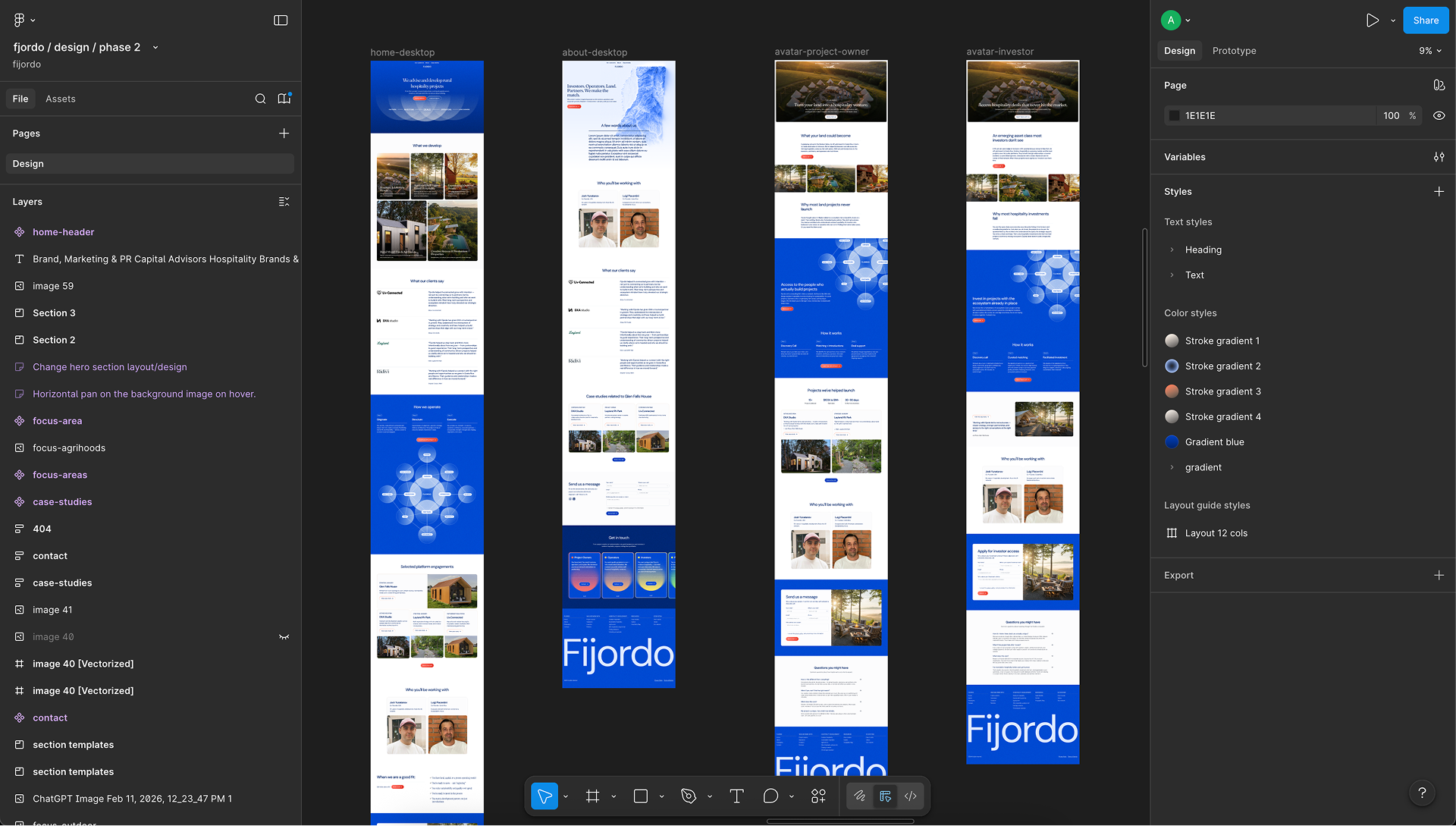
Design in Figma Fijordo design in Figma
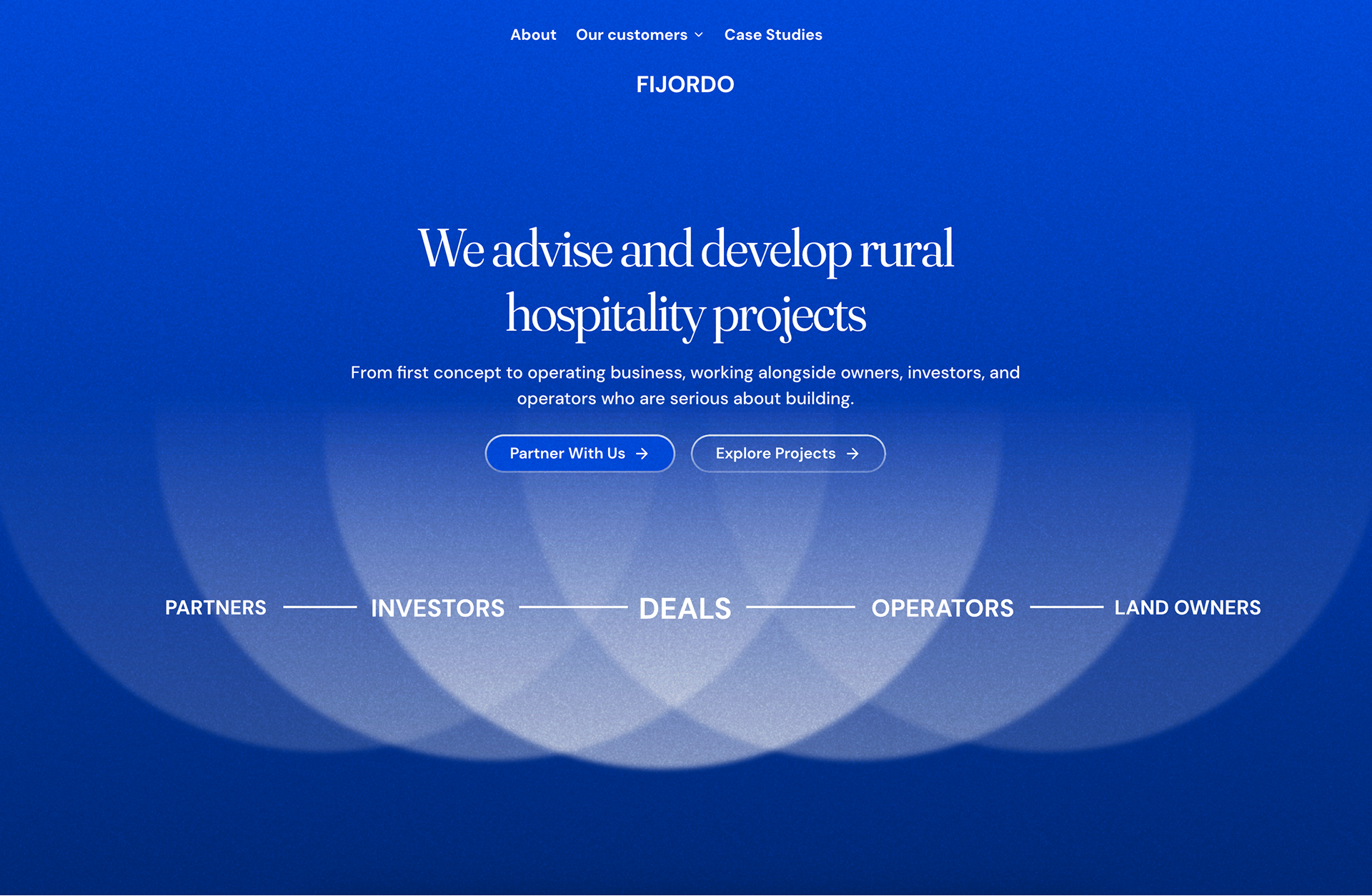
Live Site
Fijordo live site

Fijordo

Full marketing site. Complex animations. Scroll effects.

Built in 4 days

View live
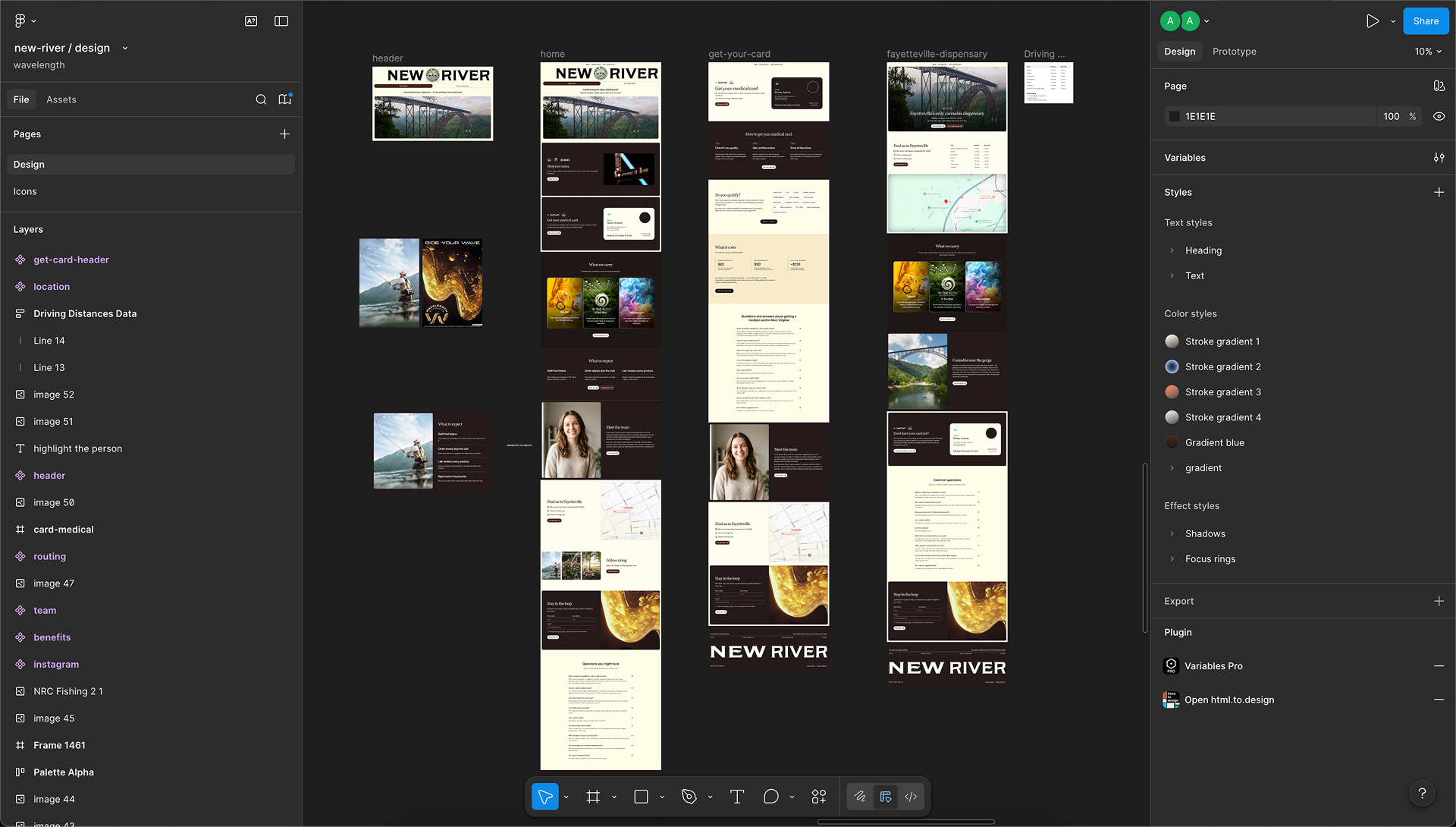
Design in Figma New River design in Figma
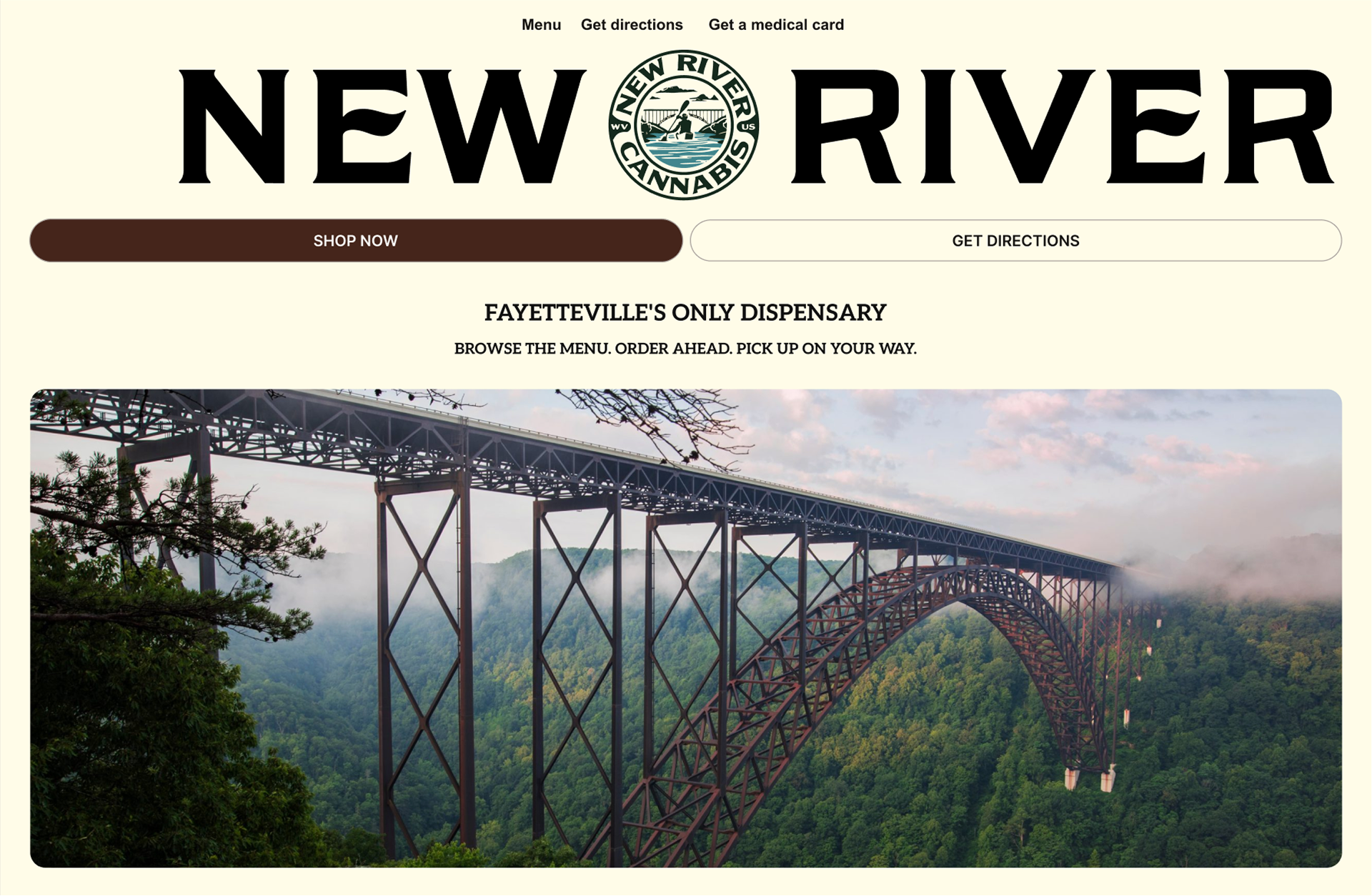
Live Site
New River live site

In progress.
Coming soon.

New River

E-commerce with CMS and client self-management portal.

Built in 3 days

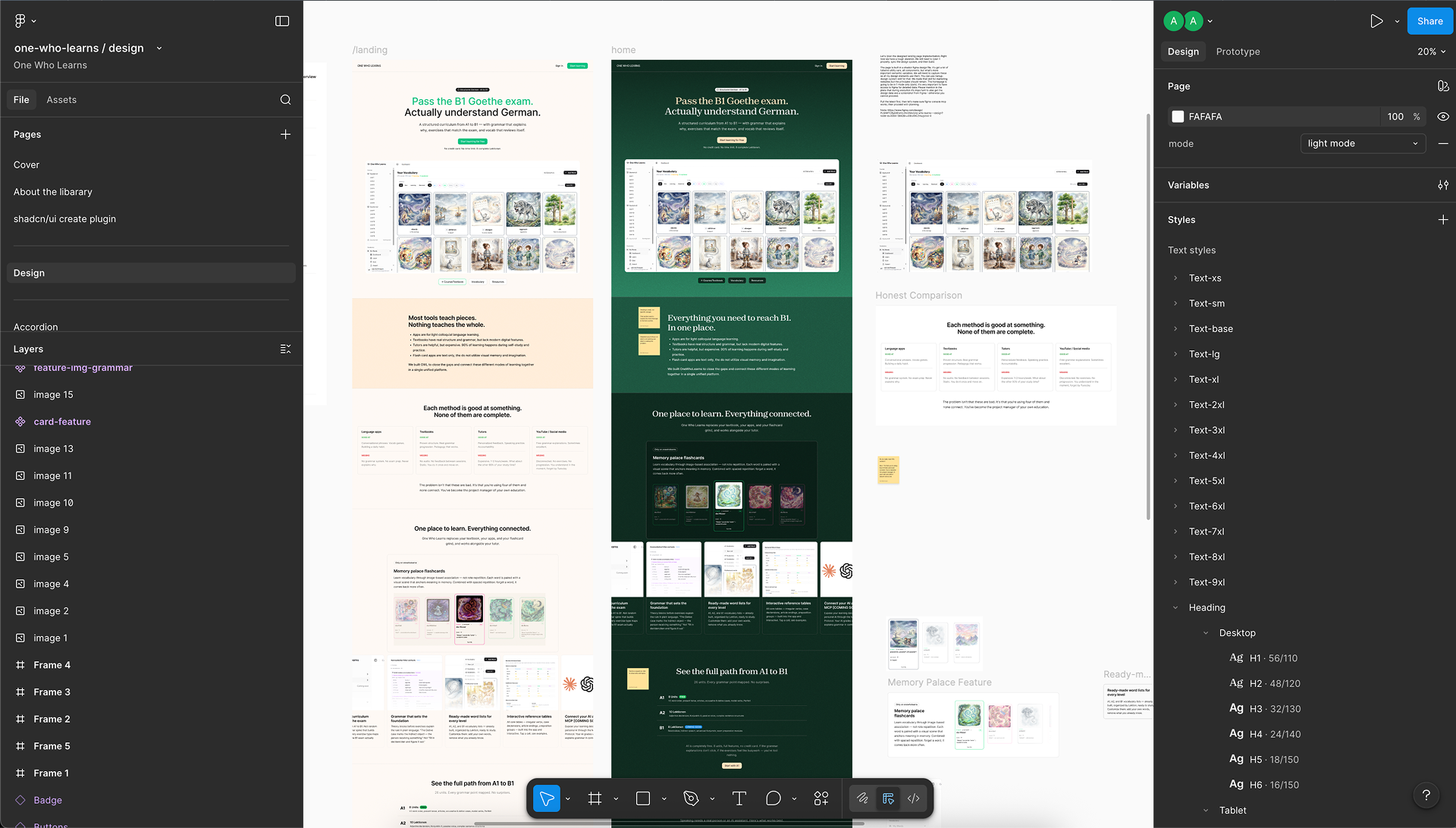
Design in Figma One Who Learns design in Figma
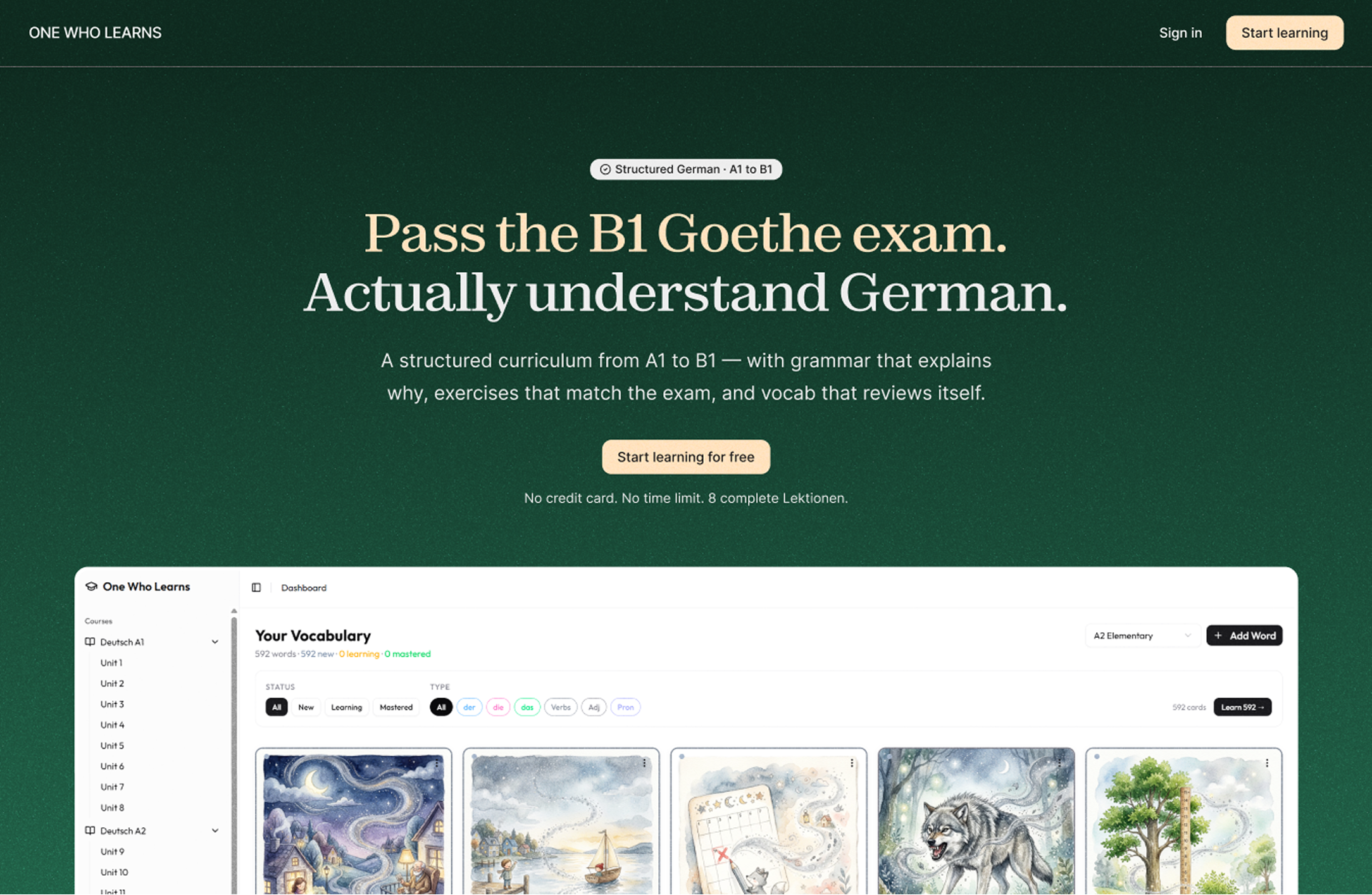
Live Site
One Who Learns live site

One Who Learns

A landing page for a learning app I am working on.

Built in 1 day working asynchronously

View live

Vibe coded websites are either generic or do not follow your design. This workflow does.

You've seen AI-generated sites. Generic layouts. Broken spacing. This course doesn't pretend AI is magic. Module 10 is called "The Last 10%" — it's entirely about what AI gets wrong and exactly how to fix it.

AI Slop
Production Grade (This Workflow)
Prompt and pray
Structured Figma → precise build instructions
One giant prompt, hope for the best
Phased building — section by section, verified
Generic layouts, no design system
Your design tokens in code — exact Figma match
Breaks on mobile, no QA
Checklist-driven QA — responsive, accessible
Client can't edit anything
Headless CMS + AI-powered content management
Unmaintainable code
Clean, organized codebase with docs

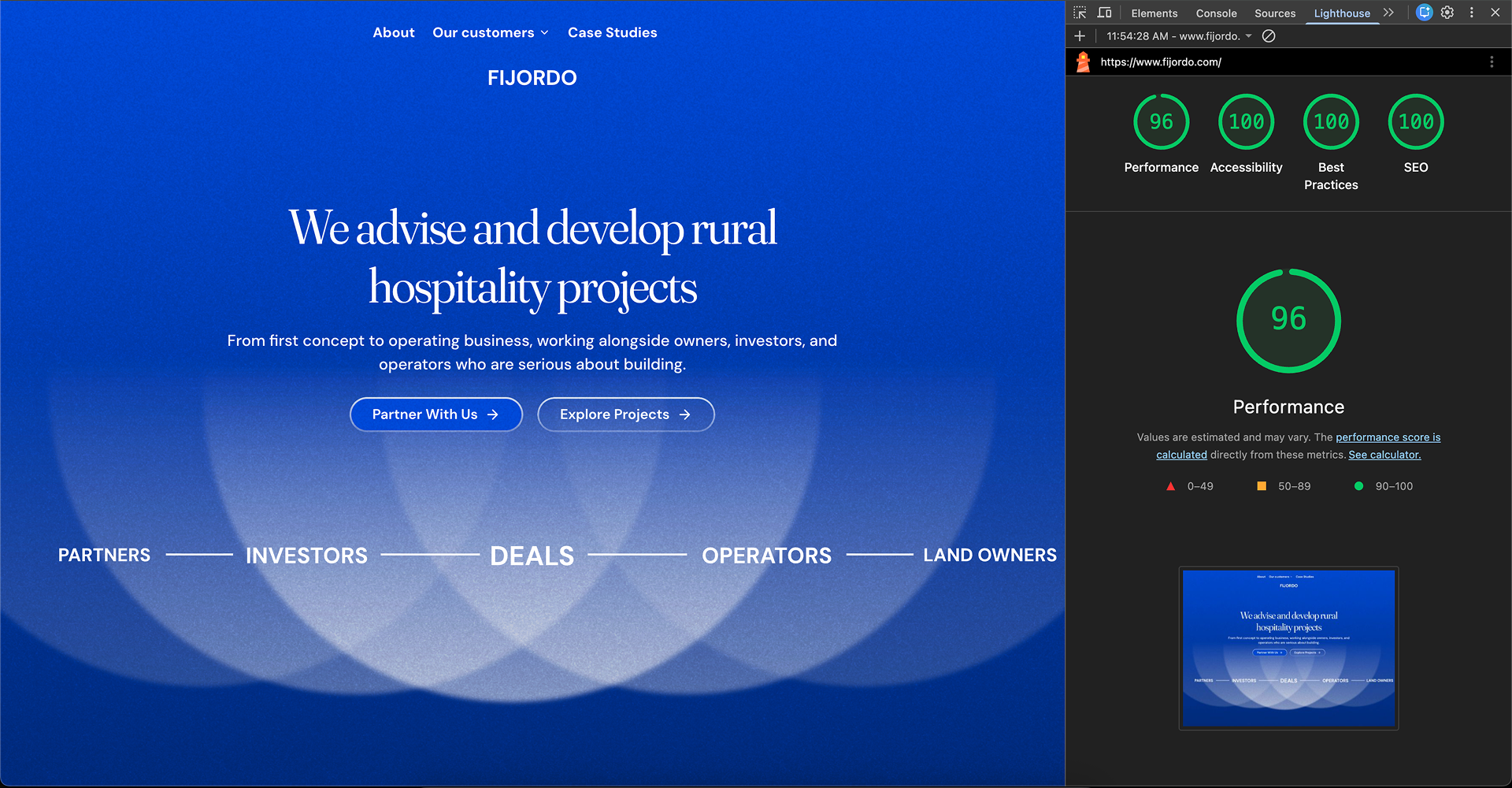
Perfect score for performance, accessibility, and seo.

The workflow handles performance, accessibility, and SEO automatically — so you ship sites that score high without manual optimization.

Fijordo website with perfect Lighthouse scores

This is what your work looks like after.

Before
After
3-4 weeks per client site
Days, not weeks
1 project at a time
Multiple projects in parallel, or have more free time
$420/yr agency plan + $168-276/yr per site
Claude sub you already pay for + free hosting
Client needs a portal? "Use a third-party tool."
Claude gives you options and helps you build it
Publishing a blog = manual upload, compress, format
Give content to Claude. One command.
Optimizing images one by one. Manual OG images.
Programmatic optimization. Auto OG images.
Waiting for Webflow to ship features
You build what you need, when you need it
"I should learn this eventually"
"I build with this now"

The complete system. Figma to client handover.

Not a collection of tutorials. A production workflow — the same one I use on every client project. Each module builds on the last.

00

The shift

Webflow vs AI-driven dev. Honest tradeoffs, no hype

01

Becoming a generalist

How professions are going to change. From designer to generalist.

02

Agentic coding

A comprehensive unit that covers all elements of agentic coding: installation, interface, skills, hooks, scripts, subagents, mcp.

03

Workflow overview

How all the pieces connect — from Figma to deploy.

04

Design system

A system that utilizes semantic tokens and utility classes similar to client-first framework.

05

Figma prep

Structure designs so AI reads them precisely

06

How to use Claude inside Figma (yes)

Utilize Claude for manual boring repetitive work.

07

Project setup

Scaffold a production project in one command

08

Design system → code

Your Figma tokens in code, automatically

09

Building in phases

Plan → Execute → Verify — the core workflow

10

Headless CMS

Give clients a clean editing interface if clients prefer UI over using Claude

11

The last 10%

What AI gets wrong and how to fix it

12

Production polish

SEO, animations, performance

13

QA

Cross-browser, responsive, accessible.

14

Deploy

Live site. Custom domain. Zero platform fees.

15

Client handover

CMS for content. AI for structural changes. Custom skills and workflows for clients to use Claude to manage their website.

Built for designers who build things.

This is for you if:
This is NOT for you if:
You build websites for clients — any platform
You want to "build a website in 5 minutes" with zero effort
You've felt the AI shift and haven't made a move yet
You're looking for prompting tricks or AI party stunts
You care about quality — "it works" isn't good enough
You don't care about design quality or client experience
You want to build faster without sacrificing craft
You're a developer looking for a coding course
You're tired of platform limitations and vendor lock-in
You want to offer clients more — portals, custom features
Ayk — instructor

I made the switch. Here's what I found.

I'm Ayk. Since 2020 I've built over 30 websites in Webflow. I am good at it, I know the platform inside out but I've been also tired of its limitations and lack of progress and focus by the Webflow team.

When AI coding tools got good enough, I experimented and realized that it's ready. I now create all my client websites with Claude Code. I also migrated my own website and host it for free on Vercel instead of paying $320/year.

The projects that you saw above are my recent projects for real clients. Every time I mention that they will be able to manage their website with Claude, they are always hyped. One of my clients even said "Hell yeah!".

This is the beginning of the shift and this course is everything I've learned making that transition.

One project pays for it.

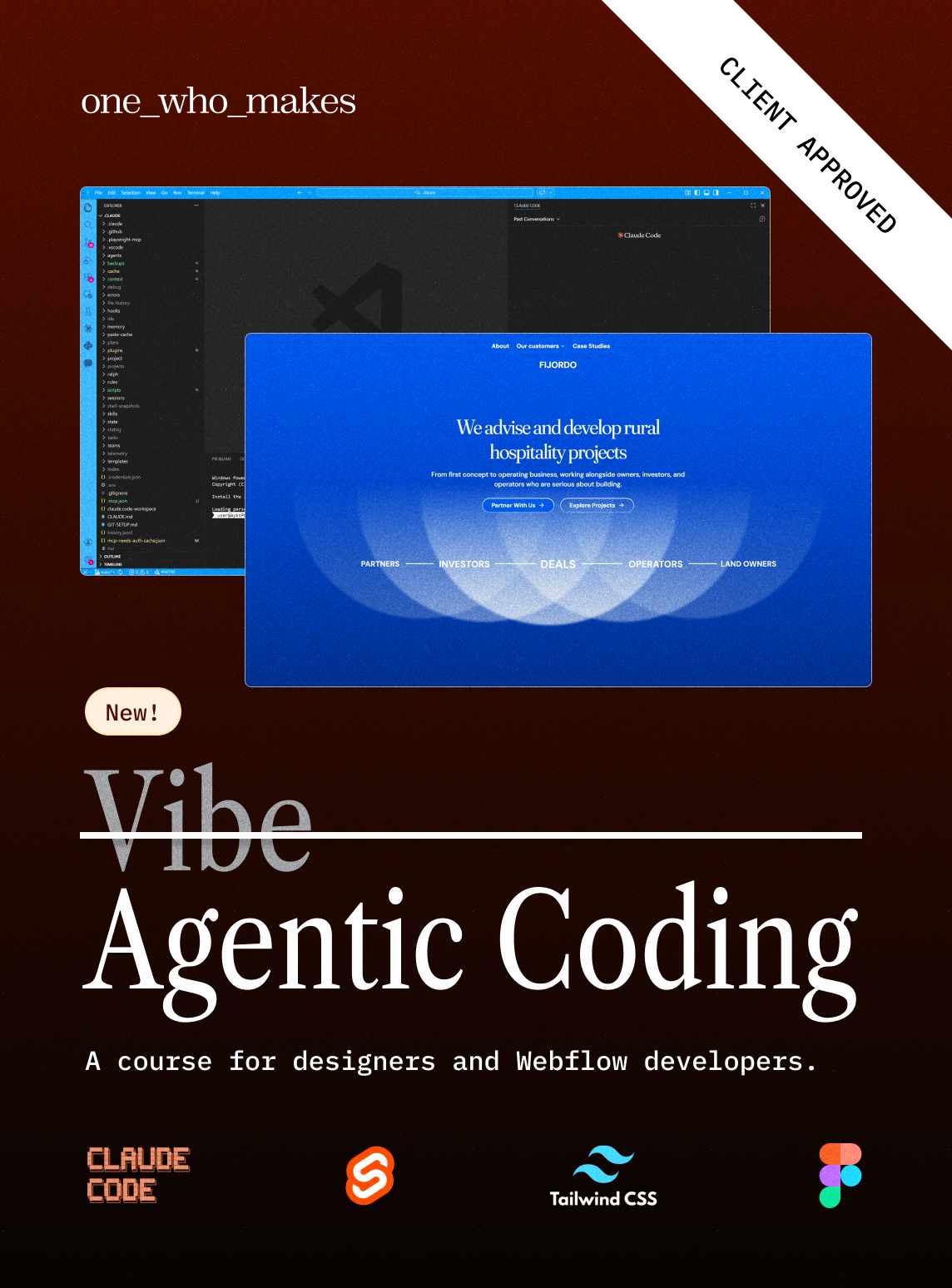
Agentic Coding course cover

$347

Full course (16 modules)
Design system file in Figma
Lifetime access + future updates
Founding bonus: lifetime OWM community ($588+/yr value)
Templates, skill libraries, live builds, peer support

You charge $3-10K per website. One project built faster pays for this ten times over.

Join the waitlist

First cohort only. Limited offer.

FAQ about the course and Claude Code

Do I need coding experience?

No. You need design experience and the ability to follow a system. You won't write code from scratch — you'll direct an AI using a structured methodology.

What if the tools change in six months?

They will. That's the point. This teaches a methodology, not a tool. The thinking transfers to whatever comes next. If there's a better or cheaper model than Claude — you can simply replace it.

Is the output actually good enough for clients?

Yes. If you know how to direct it. The projects above are all live client sites. Module 10 is entirely about what AI gets wrong and how to fix it.

How is this different from vibe coding tutorials?

Those show the highlight reel. This teaches the full workflow: Figma prep, project structure, phased building, QA, client handover.

Can I transition gradually?

That's the ideal path. Use the system on your next project — even one section. Once you see the speed difference, the transition happens naturally.

What tech stack?

SvelteKit + Design System (semantic classes) + Tailwind CSS + headless CMS. The methodology applies to any modern framework.

Can my clients actually manage the site?

Yes. Module 14. Clients get a headless CMS plus AI-powered tools for structural changes. They can manage from their phone. This notion made my clients super excited.

The shift already happened. The question is whether you move with it.

You've seen the projects. You've seen the process. You know the old way of building is on borrowed time. You can keep watching from the sidelines. Or you can be the designer who adapted.

Join the waitlist — get launch date and early access

No spam. Just launch date and early access.
First cohort gets lifetime community access.